How to set up materials: sheet size, thickness, kerf and trim
CutBore nests onto the sheets you list. Add one row per sheet type, and it uses as many of each as the parts need.
Sheets, kerf and trim
Materials is step 1. The numbers match the list.
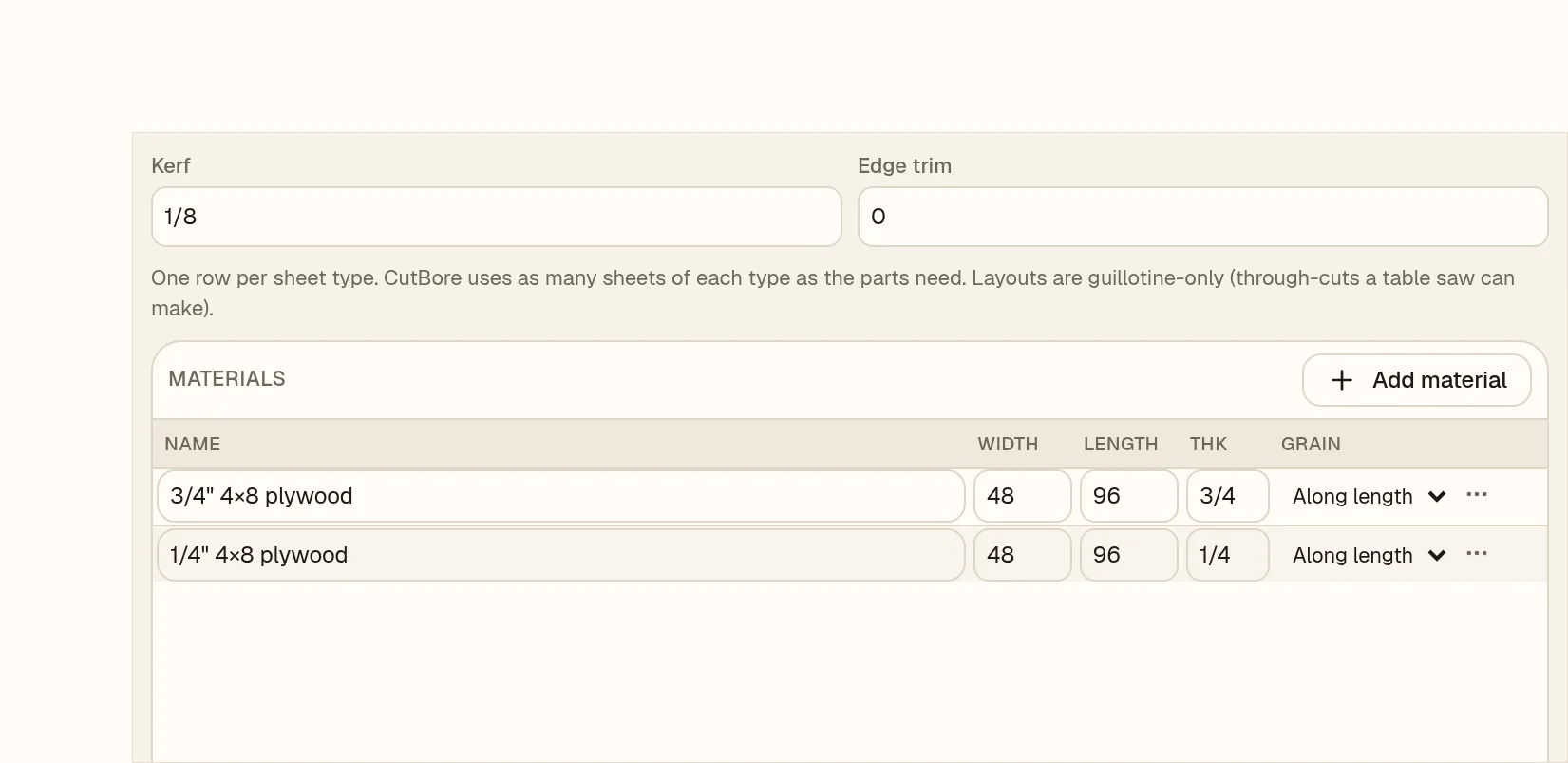
- 1Sheet name, for example 3/4″ 4×8 plywood.
- 2Width and length of the sheet. Custom sizes like 1220 × 2440 work too.
- 3Thk. Parts only go on sheets of the same thickness.
- 4Grain: Free, Along length or Along width.
- 5Add material adds a row, for example 1/4″ for cabinet backs.
- 6Kerf is your blade width. New jobs start at 1/8″.
- 7Edge trim comes off every sheet edge first. It starts at 0.
Moving between steps
- 1Click Materials at the top of the optimizer.
- 2Set your sheets, kerf and trim.
- 3Click Parts to go back to your list. The nest keeps up.